|
We have been enjoying the start of the fall. As the weather cools and the leaves change colors, our students and teachers are settling into their daily routine. This month we have focused on a few online learning tools and some awesome resources that can be shared using these tools.
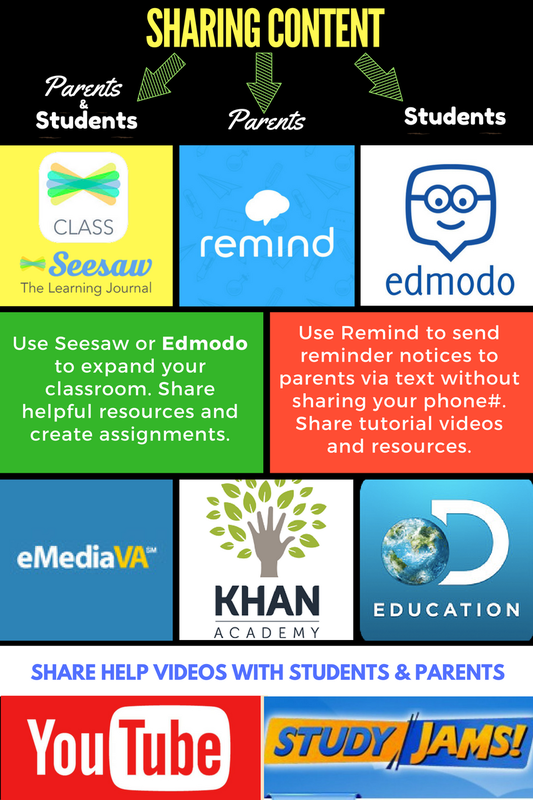 Once you've made a decision about the appropriate online learning option for your students, you can use resources like eMediaVA, Khan Academy, Discovery Education (formerly United Streaming), YouTube, and StudyJams to give your students the opportunity to learn skills they are struggling to grasp and practice skills they are starting to understand.
Links to these websites will be added to your Clever portal if I'm your ITRT. You will still have to sign in, but the sites will all be together and easy for you to access. Resources that are shared in trainings this week and additional help will be posted to my site after trainings wrap up on Friday. Check out my Article in the Edsurge 50 State Project! How you can Take the Pain out of Data Driven Classrooms 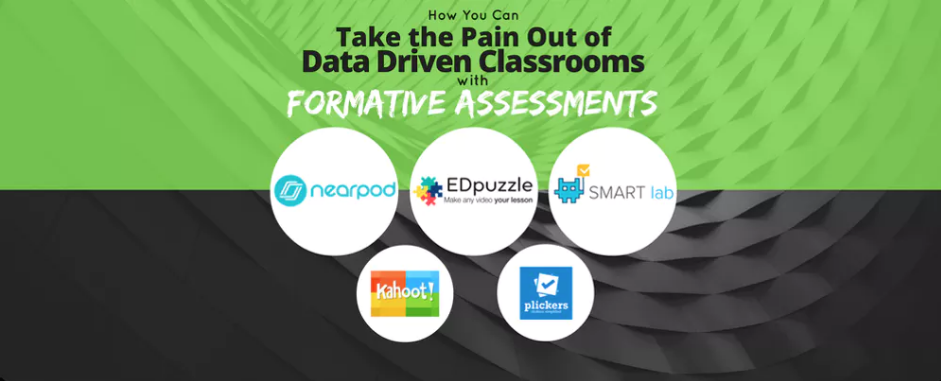 It's about that time!  Steve definitely got it wrong! There are so many MEANINGFUL activities to let your students try at the end of the year. I'm happy to help you set some of these up if you find one or a few that you'd like to try with your students. Most of these activities only require a simple introduction before you let them use those higher order thinking skills all on their own. All of the pictures link you to that resource. Websites written in white link you to easy directions to help you plan the best way to use the activities in your classroom. Whether you have access to iPads, laptops or desktops, you'll find activities here for your devices. Originally posted January 2015
Have you ever noticed how some of your students struggle to remember certain information in class, but they can recite lyrics to their favorite songs with ease? Have you ever considered using their music to help them remember the concepts you have taught them? That is the idea behind Flocabulary.com! They have created videos using music with an urban groove to cover lots of classroom topics. Richmond has purchased accounts for all of the teachers in our district. If you need more reasons to try it, here they are! 1. Children remember lyrics to songs they can move to and will find the songs catchy. The rhyme and rhythm of the songs will allow your students to easily sing along with the videos. You will notice by the second viewing that quite a few of your students are singing right along. 2. The videos appeal to students with different learning styles. Although the songs will be catchy to most students, the videos will also help visual learners. The lyrics appear on the screen throughout the song and many of the images in the video tie in to the concepts being reviewed in the videos. 3. Flocabulary videos have activities and assessments available to teachers. Use the additional resources provided to check for understanding. 4. Easy to find topics. You can easily search the Flocabulary site for videos that are related to the objectives you are teaching in your classroom. 5. Extend the experience by assigning a writing lesson in which students can create their own lesson in rhyme. Increase their engagement by allowing them to try to rap their lesson over original Flocabulary beats! Visit the Flocabulary site to get started.Richmond teachers, click here when you are ready to create your account. Remember to use your RPS email.  So, you taught the Hour of Code. Your students were amazed, engaged, and attentive. They were problem solving geniuses and felt like they could do anything! Now, what do you do with all of that excitement and positive energy? Let them try something a little different than the coding tutorials on code.org. Maybe even something they could see in real life! Send them to madewithcode.com and let them program the lights on a state holiday tree in Washington,DC. That's right! They can really program the lights on a holiday tree in DC! Once they have finished writing their program, it will tell them which tree it will light and the day and time their light show will be! Enjoy!
MadeWithCode.com  Originally posted November 24, 2014. Have you signed up to teach the Hour of Code yet? It's not too late! If you are interested in improving your student's critical thinking and problem solving skills, it's time to take a closer look at coding! Anyone can learn to code! Everyone should be given the chance to learn. You will be surprised about the changes you see in your students. More importantly, you will be exposing them to skills that will change the way they think and maybe even spark an interest in careers that will be readily available when they enter the job market as adults. Visit Code.org to take a look at the mind boggling statistics. 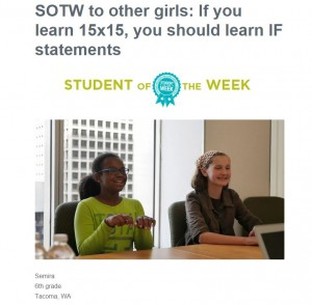 Meet Code.org's Student of the Week. Semira (on the left) is a 6th grader and game creator. Click on her picture to read the full article.
Here's just a little of what she has to say about coding: If a girl my age wondered if coding was for them, I would say: do you use electronics? If so, coding is all around you. That text you’re sending right now? How do think it’s being delivered? The answer: coding. The email you just received? Same story. The TV remote, your favorite video game, the telephone, the whole world around you. It’s all code. If you learn it, you can make a part of the future. Your knowledge is the only true limit, and coding? It’s the sky. Learn more at code.org. |
AuthorI'm Natalie Davis, an ITRT in Richmond, VA. I taught first, second, and third graders in Richmond for 12 years before becoming an ITRT. I truly enjoy finding useful ways to breathe new life into lessons by integrating technology to help students achieve their learning goals. I am passionate about closing the digital divide by teaching our children to be consumers and creators of technology. 
Archives
June 2018
Categories |
 RSS Feed
